

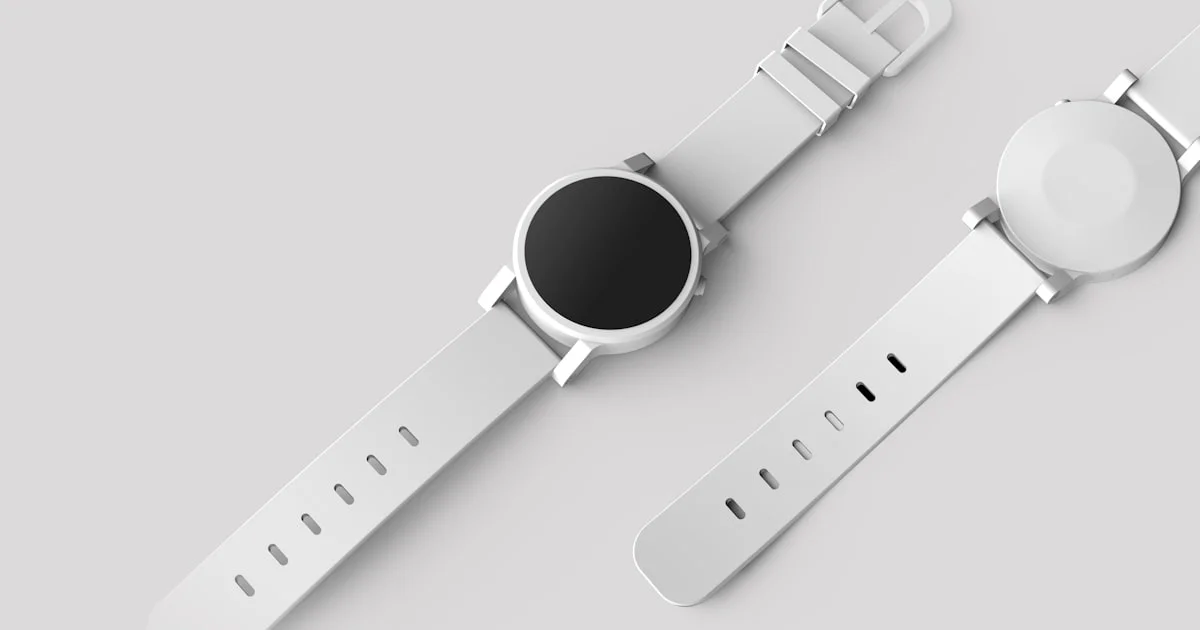
A useful best smart watch guide starts with compatibility, not features. A smartwatch combines notifications, activity tracking, payments, navigation, and wellness sensors — but how well any of it works depends heavily on which phone you carry and which ecosystem you have already bought into.
Key Takeaways
- Phone compatibility is the first filter. Some watches work fully with only one phone platform.
- Battery life varies from roughly a day to several weeks depending on display type and feature set.
- Health sensors are wellness tools, not medical devices, regardless of how the features are marketed.
- Band fit affects sensor accuracy — a loose watch produces unreliable heart rate data.
- Decide early whether you want cellular connectivity, because it changes both cost and battery expectations.
What this best smart watch guide prioritises
The short answer: confirm it works fully with your phone, decide how often you are willing to charge it, then pick the feature set. Getting those two constraints right narrows the field faster than comparing sensor lists.
Almost every smartwatch handles the core job well. Notifications arrive, steps get counted, heart rate gets measured. Where they differ meaningfully is in how deeply they integrate with your phone, how long they run between charges, and how much they cost to keep using.
Start with phone compatibility
Some watches pair only with one phone platform and lose most functionality with another. Others work with both but reserve certain features — replying to messages, some health integrations, voice assistants — for their native platform.
Check these specifics before buying rather than assuming:
- Required operating system version on your phone, and whether your phone will keep receiving updates.
- Whether you can reply to messages, or only view them.
- Which voice assistant is supported, if that matters to you.
- Whether health data syncs into the app you already use.
- Payment support for your bank and country — coverage varies more than people expect.
- Whether switching phone platforms later would strand your watch and its data.
That last point catches people out. Buying deeply into one ecosystem makes changing phones more expensive later, because the watch may not come with you.
What smart watch reviews should tell you about battery
Most smart watch reviews quote a battery figure without explaining what drives it, which makes the numbers hard to compare. Three things dominate: display technology, always-on display settings, and how often you use GPS.
| Category | Typical battery | Trade-off |
|---|---|---|
| Full-featured touchscreen watch | Around a day to two | Best app support, richest display |
| Fitness-focused watch | Several days to a couple of weeks | Fewer apps, simpler interface |
| Hybrid or low-power display watch | Weeks | Limited smart features |
| Any watch with cellular active | Substantially reduced | Independence from the phone |
| Any watch running GPS continuously | Hours, not days | Accurate route tracking |
Be honest about your charging habits. A watch needing nightly charging cannot track your sleep unless you charge it at another point in the day, and that routine has to be one you will actually maintain.
Sensors, health features, and realistic expectations
Modern watches carry an array of sensors — optical heart rate, blood oxygen estimation, skin temperature, and on some models electrical heart sensors. These are wellness features. They are designed to show trends over time, and they are not diagnostic instruments.
Accuracy depends heavily on fit. The watch should sit snugly above the wrist bone, tight enough not to slide but not uncomfortable. A loose band is the most common reason optical heart rate readings look erratic, particularly during exercise. Tattoos, skin tone, and cold conditions can also affect optical sensor performance.
Treat readings as directional. A trend across weeks is more meaningful than a single measurement, and anything concerning should go to a healthcare professional rather than being interpreted from the app alone.
Making a smart watch comparison that reflects real use
A practical smart watch comparison weighs the things you will encounter daily rather than the specification table. Work through these in order:
- Case size and weight. A watch too large for your wrist is uncomfortable overnight, which undermines sleep tracking entirely.
- Display readability in bright sunlight, which varies considerably between panel types.
- Water resistance rating — check whether it covers swimming, and whether it covers salt water.
- Band ecosystem — proprietary bands limit choice and cost more to replace.
- Ongoing costs — cellular plans and subscription-gated features add up over the watch’s life.
- Repairability and battery replacement — watch batteries degrade, and replacement policy varies widely.
- Software support window — how many years of updates the manufacturer commits to.
Subscriptions deserve particular attention. Some manufacturers place their most useful analysis behind a recurring fee, so the sticker price is not the real cost of ownership.
Top smart watch setup steps
Getting the top smart watch setup right in the first week determines whether the device stays useful or becomes an expensive step counter. Most people are served by doing less rather than more.
Start by pruning notifications aggressively. The default is usually everything, which makes the watch buzz constantly and quickly becomes irritating enough that people stop wearing it. Enable only what genuinely needs your attention away from your phone — calls, messages from specific people, calendar alerts.
Then set the band fit properly, configure your wrist and watch orientation, and check that health permissions are granted so data actually syncs. Set up payments while you have time rather than at a checkout. Finally, decide on your charging routine and stick to it — many people find charging while showering or during a morning routine works better than overnight, because it preserves sleep tracking.
Durability, water resistance, and daily wear
A smartwatch takes more physical abuse than a phone because it sits on the part of your body most likely to strike doorframes and desks. Case material affects how that plays out — aluminium is light and scratches, stainless steel is heavier and more resistant, titanium splits the difference at a price.
Screen protection matters more than case material for most people, since the display takes the majority of impacts. Strengthened glass handles knocks reasonably; sapphire crystal resists scratches far better and is typically reserved for higher tiers. A cheap screen protector is a sensible purchase either way.
Water resistance ratings are frequently misread. A rating indicating resistance to splashes and rain is not the same as one certifying swimming, and almost none cover high-pressure water, hot showers, or salt water without qualification. Steam and soap in particular degrade seals over time on many models. If you intend to swim with the watch, look for an explicit swim rating rather than a general water resistance figure, and rinse it in fresh water afterwards.
Strap choice affects durability too. Silicone handles sweat and water well and is easy to clean. Leather looks better and deteriorates quickly with moisture. Metal links are durable but heavy and slower to adjust. Many people end up owning two straps and switching by activity, which is worth factoring into the cost if the watch uses proprietary fittings.
Frequently Asked Questions
These come up most often from first-time smartwatch buyers.
Do I need cellular connectivity on a smartwatch?
Only if you genuinely want to leave your phone behind — running, swimming, or short errands. Cellular models cost more, need a plan, and use noticeably more battery. Most people find Bluetooth and Wi-Fi sufficient.
Are smartwatch health readings accurate?
They are reasonably good at showing trends when worn correctly, and are not medical instruments. Fit, movement, skin characteristics, and temperature all affect optical sensor readings. Discuss anything concerning with a healthcare professional rather than acting on app data alone.
How long does a smartwatch last before needing replacement?
Several years is typical. The usual limits are battery degradation and the end of software support rather than hardware failure. Check the manufacturer’s stated update commitment, as this varies considerably.
Can I use a smartwatch with any phone?
Not always. Some watches are restricted to one phone platform. Others pair with both but withhold certain features on the non-native one. Verify full compatibility with your specific phone and operating system version before buying.
Conclusion
Confirm compatibility with your phone, choose a battery life that matches how you actually charge things, and treat health sensors as trend indicators rather than measurements. Then spend an hour on setup — pruning notifications is what turns a smartwatch from a distraction into something genuinely useful.


