

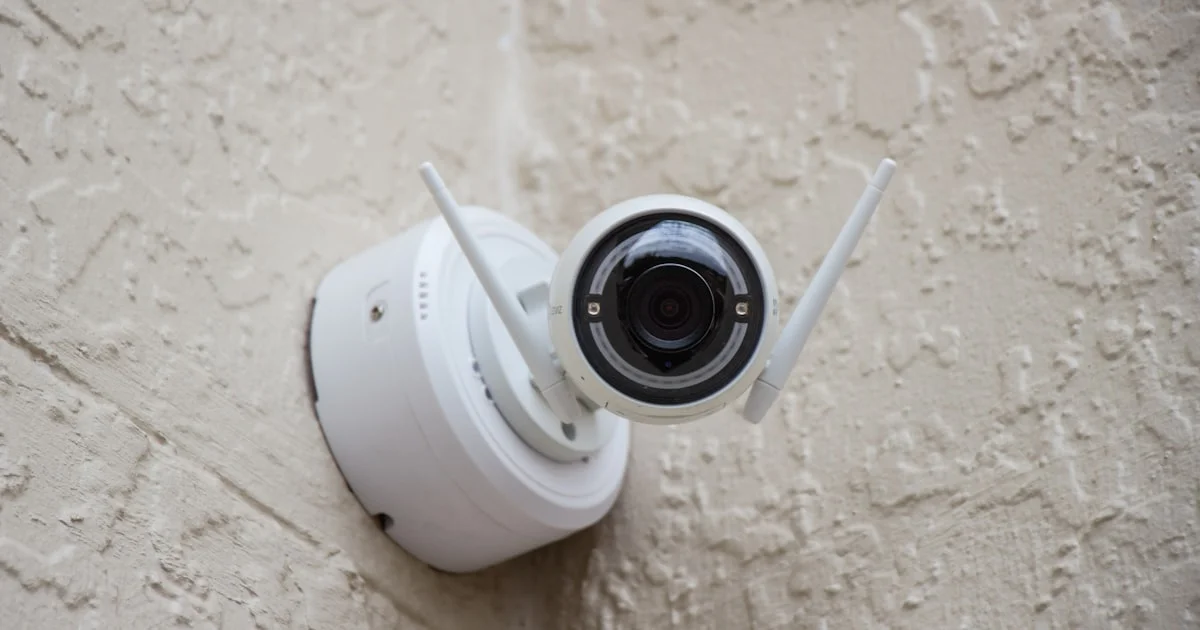
If your home already runs on Google Assistant, finding a home security camera compatible with google home means you can pull up a live feed on a Nest Hub or ask a smart display to show the front door without opening a separate app. Not every camera brand plays nicely with the Google ecosystem, though, so it’s worth checking compatibility before you buy rather than after.
Key Takeaways
- Look for a “Works with Google Home” badge on the product listing — it’s a real certification, not just marketing language.
- Matter-enabled cameras generally offer the smoothest Google Home integration and the most future-proofing.
- Battery-powered cameras suit renters and no-drill installs; wired cameras suit permanent placements like a front door.
- Local storage avoids a monthly subscription but adds the risk of losing footage if the camera or SD card is stolen.
- Night vision quality and field of view vary more between models than the marketing photos suggest — check real sample footage.
Home Security Camera Compatible With Google Home: The Short Answer
The short answer: the best home security camera compatible with google home is one that carries an official “Works with Google Home” or Matter certification, since both guarantee live view, notifications, and voice commands work without a clunky third-party workaround. Cameras without either label may still connect through routines or IFTTT, but the experience is usually less reliable.

Best for the Front Door or Porch
A front-of-house camera benefits most from clear person detection and a wide field of view, since porches see everything from delivery drivers to trick-or-treaters. Wired power is worth choosing here if you have an existing outlet or doorbell wiring nearby, since it removes battery charging from your maintenance list entirely.
Best for Indoor Monitoring
Indoor cameras for keeping an eye on pets or checking in on a room benefit from two-way audio and a physical privacy shutter or lens cover, letting you turn off recording when you want actual privacy. Wide-angle indoor cameras also do a better job covering an entire room from one corner mount.
Best for the Backyard or Detached Areas
Outdoor areas without easy wiring access are where battery or solar-powered cameras genuinely earn their keep. Look for an IP65 or higher weather rating and a battery that realistically lasts weeks, not days, under regular motion-triggered recording.
Best for Renters and No-Drill Installs
If drilling into siding or brick isn’t an option, magnetic mounts, adhesive plates, and battery power let you install and later remove a camera without leaving marks. This trades some placement flexibility for a fully reversible setup, which matters more for renters than raw camera specs.
What a Smart Camera Compatible With Google Home Actually Needs
A smart camera compatible with google home needs more than a shared Wi-Fi network — it needs to either support the Matter smart home standard or have manufacturer-built Google Home integration. Checking the product’s spec sheet for either term before buying avoids the disappointment of a camera that only works inside its own separate app.
Google Home Security Camera Setup: What to Expect
A typical google home security camera setup involves installing the camera’s own app first, creating an account, and then linking that account inside the Google Home app under “Works with Google.” Matter-certified cameras skip the linked-account step entirely and pair directly, which is faster and doesn’t depend on the manufacturer’s servers staying online.
How to Shortlist a Camera for Google Home Assistant
Use this order when comparing options for a camera for google home assistant use:
- Confirm Matter support or an official “Works with Google Home” badge before anything else.
- Decide between battery and wired power based on the install location, not personal preference alone.
- Check whether local storage is available if you want to avoid a subscription fee.
- Compare night vision samples, not just the stated resolution number.
- Confirm the app supports the number of cameras you plan to eventually add, since some free tiers cap it.
Camera Types Compared
| Type | Best for | Trade-off |
|---|---|---|
| Wired, Matter-certified | Front door, permanent placements | Requires nearby power and some installation effort |
| Battery-powered outdoor | Backyards, detached garages, renters | Needs periodic recharging |
| Indoor plug-in | Pets, baby monitoring, room checks | Limited to areas near an outlet |
| Solar-assisted outdoor | Sunny locations far from outlets | Panel placement needs direct sunlight to be effective |
Frequently Asked Questions
Common questions about pairing a security camera with Google’s smart home ecosystem.
Does every “smart” camera work with Google Home?
No. Some smart cameras only integrate with their own manufacturer app or with Amazon Alexa, so checking specifically for Google Home or Matter compatibility before buying is essential.
What is Matter, and why does it matter for cameras?
Matter is a shared smart home standard backed by Google, Amazon, and Apple, among others. A Matter-certified camera can connect to any of their platforms without a manufacturer account, which reduces the risk of losing functionality if a company shuts down its servers later.
Do I need a subscription to use a Google Home compatible camera?
Not always. Many cameras offer basic live view and motion alerts for free, while cloud video history and advanced AI detection typically require a paid plan. Cameras with local SD card or hub storage can avoid subscriptions entirely.
Can I view multiple cameras from different brands in one Google Home view?
Yes, as long as each camera is either Matter-certified or individually linked through “Works with Google” in the Google Home app — brand does not need to match for them to appear together.
Conclusion
Compatibility, not raw specs, is what decides whether a camera fits smoothly into a Google Home setup. Prioritize a Matter or “Works with Google Home” badge, match the power type to where the camera will live, and the rest of the shortlist comes down to ordinary trade-offs like storage and weather resistance.


