

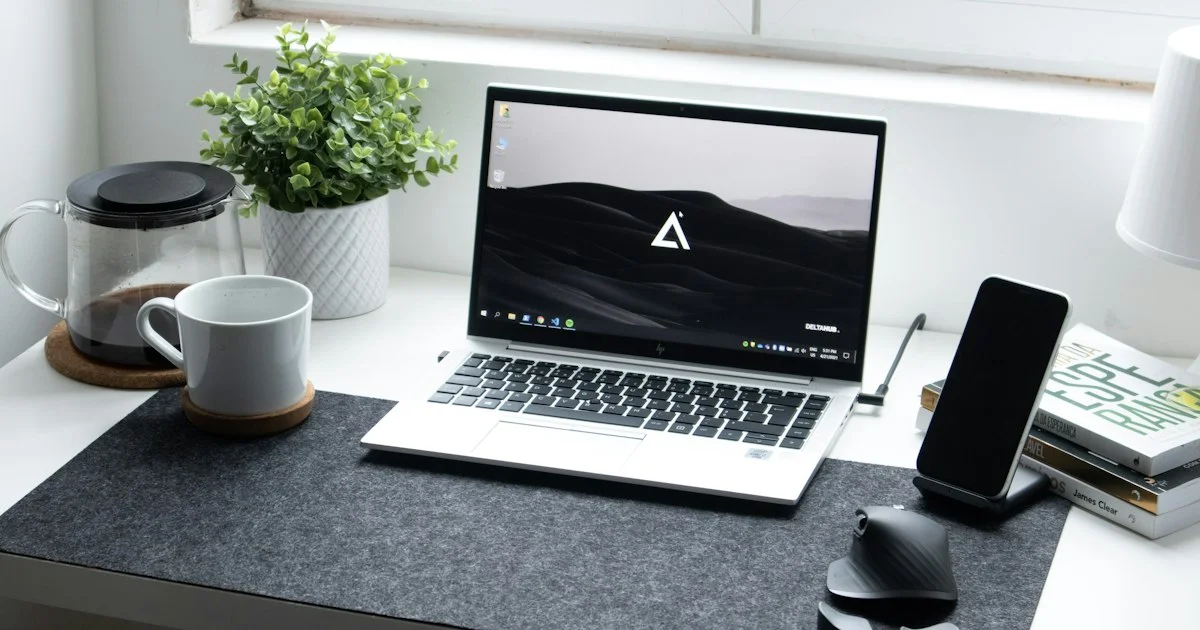
Every home office collects clutter, and most of it was bought with good intentions. The desk gadgets for home office worth keeping are the ones that pay for their footprint — either by making a long working day more comfortable or by removing a small daily annoyance for good. This guide sorts the category by the problem each gadget actually solves, so you can skip the rest.
Key Takeaways
- Buy for a problem you have this week, not one you might have someday.
- Ergonomics gadgets return the most value, because they affect every hour you work.
- Cable management is the cheapest upgrade with the biggest visual payoff.
- On a small desk, anything that goes vertical beats anything that spreads out.
- One good gadget usually beats three cheap ones doing the same job.
Which Desk Gadgets for Home Office Are Worth It
The short answer: the desk gadgets for home office that earn their place fix posture, cable chaos, lighting, or audio — and everything outside those four categories is optional.
That framing is useful because the category is enormous and mostly noise. Novelty items photograph beautifully and get used twice. The items people still use a year later tend to be boring: a stand that raises a screen, a light that stops eye strain, a hub that ends the cable shuffle. Judge a purchase by whether you would notice its absence tomorrow morning.
It also helps to buy in order of exposure. You spend eight hours looking at a screen and resting your wrists on a surface, so those two things deserve the first money. A desk toy, however clever, does not compete with that.
Best for Neck and Back Comfort
If you work from a laptop, the screen is almost certainly too low, and everything else on this list matters less than fixing that.
A laptop stand or riser lifts the display toward eye level, which stops the slow forward lean that produces neck ache by mid-afternoon. It does create a new problem — the built-in keyboard is now at the wrong height — so a stand and an external keyboard are really one purchase rather than two. A separate monitor arm does the same job for a desktop display and frees the surface underneath, which matters more on a small desk than the ergonomics alone would suggest.
A footrest is the quietly effective one nobody expects. If your feet do not sit flat on the floor at your chair’s correct height, a footrest fixes your whole posture for very little money.
Best for Long Video Calls
Call quality is judged almost entirely on audio, and almost everyone spends their money on video instead.
A dedicated microphone, even a modest one on a small stand, makes a larger difference than any webcam upgrade. After that, a headset with a boom microphone is the practical choice for people who take calls all day, since it solves capture and listening at once. For video, a small light placed in front of you and slightly above eye level does more than a higher-resolution camera pointed at a badly lit face.

Best for Small Desks and Shared Spaces
When the desk is also a dining table or sits in a corner of a bedroom, the winning gadgets are the ones that go up or pack away.
Vertical laptop holders, under-desk drawers, monitor arms, and headphone hooks that clamp to the desk edge all buy back surface area. A single hub that lives permanently on the desk and connects everything with one cable means a laptop can be plugged in and unplugged in seconds, which is exactly what a shared space needs. Wireless charging pads are worth it here too, less for the charging than for removing a cable that would otherwise live on the surface.
Avoid anything with a large permanent footprint unless it replaces two things you already own.
Cool Desk Gadgets Review: The Ones That Get Used
An honest cool desk gadgets review has to separate the items that survive the first month from the ones that migrate to a drawer.
| Gadget type | Best for | Honest trade-off |
|---|---|---|
| Laptop stand or riser | Anyone working from a laptop daily | Requires an external keyboard |
| Docking hub | Plugging in and out often | Good ones are not cheap |
| Desk lamp with adjustable warmth | Evening work, video calls | Takes surface space unless clamped |
| Cable tray and clips | Every desk, without exception | Twenty minutes of setup |
| Wireless charging pad | Phone always on the desk | Slower than a cable |
| Desk mat | Comfort and a tidier look | Purely cosmetic for some people |
Small Desk Gadgets 2026: Cable Control First
Among small desk gadgets 2026 buyers keep recommending, cable management consistently outperforms its price. It costs very little and changes how the whole desk feels.
- Unplug everything and count what actually needs to stay connected.
- Replace two or three cables with a single hub where you can.
- Fit an under-desk tray or a few adhesive clips to lift cables off the floor.
- Use short cables for permanent connections and keep one long one for visitors.
- Label both ends of any cable you unplug more than once a month.
Done properly this takes one afternoon and never needs repeating.
Productivity Desk Gadgets Comparison by Work Style
A productivity desk gadgets comparison is only meaningful against how you work, since the same item can be essential or pointless depending on the day:
- Laptop-only, moves around: stand, compact keyboard, single-cable hub.
- Fixed desktop setup: monitor arm, cable tray, a proper desk lamp.
- Calls most of the day: microphone or headset first, light second.
- Shares the space with family: vertical storage, quick-disconnect hub, headphone hook.
- Works late evenings: adjustable-warmth lighting and a footrest.
How We’d Shortlist One
Sit at your desk for a normal working hour and note every small irritation: the neck twinge, the cable you knock, the squinting at dusk. That list is your shopping list, in priority order.
Buy the top item only, use it for two weeks, then reassess. Most people find that fixing the first problem changes which of the remaining ones still matters. This approach costs less and leaves you with a desk of things you use rather than a drawer of things you tried.
Frequently Asked Questions
A few practical questions come up whenever someone is setting up a home desk.
What is the single best first purchase?
For laptop users, a stand plus an external keyboard. It is the change you feel in your body within a few days, and it makes everything else on the desk easier to arrange.
Are expensive docking hubs worth it?
Often yes, if you connect and disconnect daily. Cheaper hubs tend to struggle when driving a display and charging at the same time, which is exactly the scenario most people buy one for.
Do desk mats actually do anything?
They give a consistent surface for a mouse and a softer place for wrists, and they hide a scuffed desk. Whether that is worth it is genuinely a matter of taste rather than function.
How do I keep a small desk from filling up again?
Give every item a home off the surface — a hook, a tray, a stand — and apply a simple rule: anything that has not been used in a month goes in a drawer. Surfaces fill to whatever space you leave them.
Conclusion
The best home office desk is not the one with the most gadgets on it. Fix posture first, then cables, then lighting and audio, and buy one thing at a time based on a problem you noticed this week. That approach leaves you with a desk that works quietly in the background, which is the whole point.


